

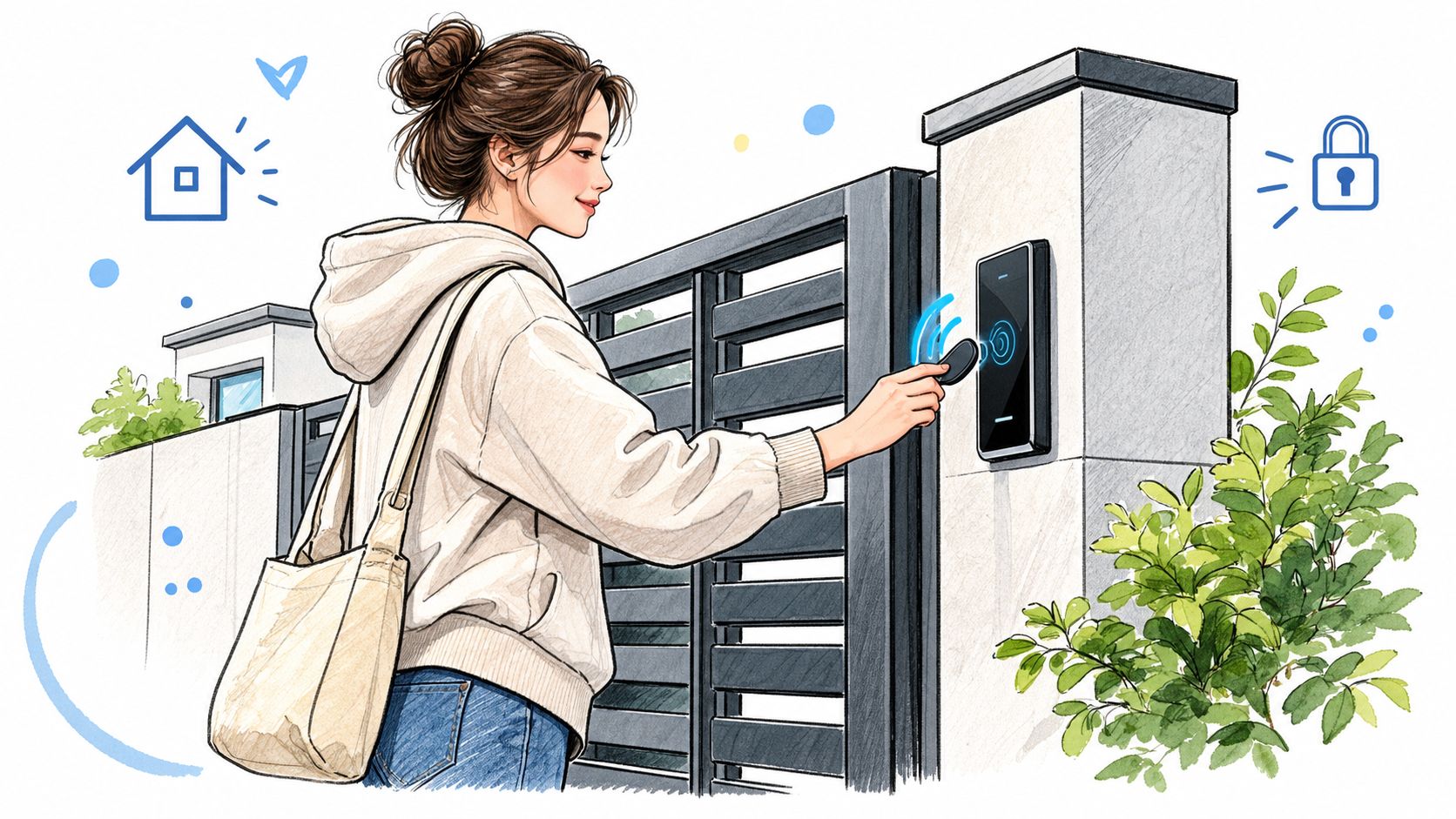
A resident reaches a gate, presses a keypad, and waits while a property manager wonders whether the device received the command. At another entrance, a former resident's fob still works because nobody knows which credential to revoke. These are access-control problems, not isolated hardware failures.
Access control devices are the readers, controllers, locks, credentials, software, and connected equipment that authenticate a person and enforce an entry policy. The right choice depends on how those parts work together, what existing gate or door hardware can be preserved, and how much administration the property needs.
Table of Contents
- What Access Control Devices Actually Do
- The Five Core Categories of Access Control Hardware
- Why the Market Is Growing and What That Means for Your Property
- Where Access Control Devices Are Used
- Choosing Between Legacy Hardware and Retrofit Cellular Controllers
- Key Features and Specifications to Evaluate
- How to Decide on the Right Solution for Your Property
What Access Control Devices Actually Do
A physical access control system decides whether a person, device, card, or code should open a protected entry point. CISA defines a PACS as a collection of technologies that electronically authenticates identity credentials presented to a reader and enforces local access policies. That definition matters because a keypad or reader alone can't decide who should enter.
The process is easier to understand as a chain:
- A person presents a credential, such as a fob, PIN, smartphone credential, or biometric.
- A reader or entry device captures that credential.
- A controller checks the credential against permissions and schedules.
- The controller signals an operator, lock, or gate relay.
- The system records the event when its design supports logging.
The same pattern appears at a residential driveway, multifamily entrance, commercial office, loading area, or gated-community barrier. The hardware changes, but the decision path remains similar.
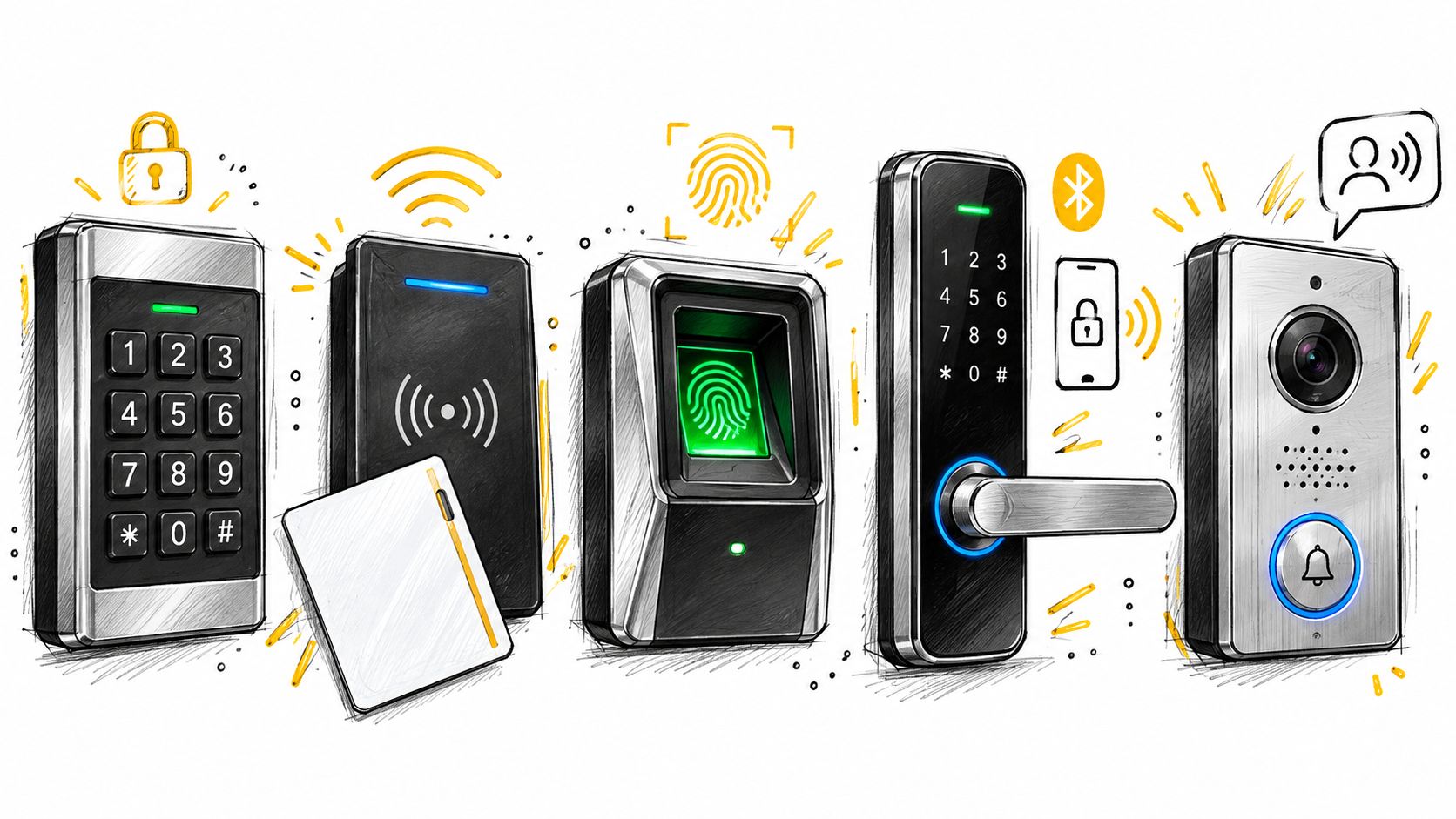
The five parts property managers usually encounter
- Readers accept a credential. A card reader handles cards or fobs, while a keypad accepts a code. A smartphone may communicate through a mobile app or another wireless method.
- Controllers make or pass along the access decision. They connect the credential side of the system to the gate operator, electric strike, magnetic lock, or door controller.
- Locks and operators perform the physical action. A lock secures a door, while a gate operator moves a gate after receiving an authorized signal.
- Credentials identify the user or account. Individual credentials are easier to revoke and audit than a shared code.
- Retrofit controllers add modern connectivity or administration to existing equipment. They can be the practical middle ground when the gate operator still works but its access management is outdated.
The same logic applies to other property technology. A manager comparing office printers online also needs to distinguish the device, its controls, its connection, and the people who administer it. Access systems deserve that same component-level review because a failure in one link can stop entry even when the gate itself is mechanically sound.
The Five Core Categories of Access Control Hardware
A useful inspection starts at the person and follows the signal toward the protected opening. This prevents a common mistake, which is treating the keypad, app, or gate operator as the entire access system.
Readers collect the credential
A reader captures what someone presents. RFID readers identify cards or fobs. Keypads accept PINs. Biometric devices evaluate a physical characteristic. Smartphone-based systems may use a phone and app as the user-facing credential.
The reader's job is limited. It doesn't automatically decide whether access should be granted. That decision belongs to the controller or management system connected to it.
Controllers make the access decision
The controller is the system's decision point. It receives credential information, applies permissions and schedules, and sends an output to the lock or gate operator. It may also communicate with management software, retain events, and receive administrative changes.
A controller can be on-site, connected to a local network, or connected through a cellular service. The connection method affects administration, troubleshooting, and the system's behavior when communications fail.
Locks and operators perform the action
Electric strikes, magnetic locks, and electronic locks secure doors. Gate operators move barriers and may accept an input from a controller. The access-control equipment must match the operator's available input and the property's safety requirements.
Replacing an operator isn't automatically an access-control upgrade. A new motor may still depend on the same shared PIN or unmanaged clickers if the credential and administration layers remain unchanged.
Credentials identify users
A credential can be a fob, card, PIN, phone, or biometric characteristic. Individual credentials give administrators a way to identify and revoke access. Shared PINs are convenient, but they make attribution weak because the same code can circulate among residents, contractors, or former occupants.
Retrofit controllers bridge old and new
A retrofit controller sits between existing entry hardware and newer administration tools. It can preserve a functioning gate operator, reader, keypad, or clicker while adding a new access path.
That bridge is valuable for properties with reliable mechanical equipment and unreliable administration. The controller still needs compatible wiring, appropriate power, secure communications, and a documented failure mode. A retrofit isn't automatically safer than replacement. Its value depends on how well the new controller, old operator, credentials, and management process fit together.
Practical rule: Evaluate the controller as part of the gate or door system, not as a stand-alone box.
Why the Market Is Growing and What That Means for Your Property
Access control has moved beyond specialized security facilities. Electronic entry systems now appear across residential communities, multifamily properties, commercial buildings, public facilities, and other sites where managers need controlled identity verification.
The scale of that shift is visible in market estimates. Grand View Research estimates the global access-control market at approximately USD 11.6 billion in 2025, with a projection of USD 22.8 billion by 2033 and a compound annual growth rate of about 9.0% from 2026 through 2033. The source describes the category as including credentials, readers, controllers, electronic locks, software, and related management platforms.
A separate electronic-access-control market estimate from DataIntelo places the market at USD 12.8 billion in 2025, with a projection of USD 26.4 billion by 2034 and a compound annual growth rate of 8.4%. It estimates that hardware represented 52.3% of 2025 revenue. The estimates use different category definitions, so they should be treated as directional benchmarks rather than a device census.
The practical implication for legacy infrastructure
Hardware's continued importance supports a measured upgrade path. Many properties already have an electronic gate, call box, lock, or operator that works well enough mechanically. The weak point may be remote administration, credential revocation, visitor handling, event records, or dependence on a shared code.
A full replacement can make sense when the operator is unsafe, unsupported, incompatible, or beyond economical repair. A retrofit can make more sense when the physical equipment remains serviceable and the property needs better control around it.
Market growth does not prove that every property requires new access control devices. It does show why managers encounter more retrofit, connectivity, and credential-management options. The sound decision remains site-specific: inspect existing equipment, define the administration problem, and replace only the parts that limit the system.
Where Access Control Devices Are Used
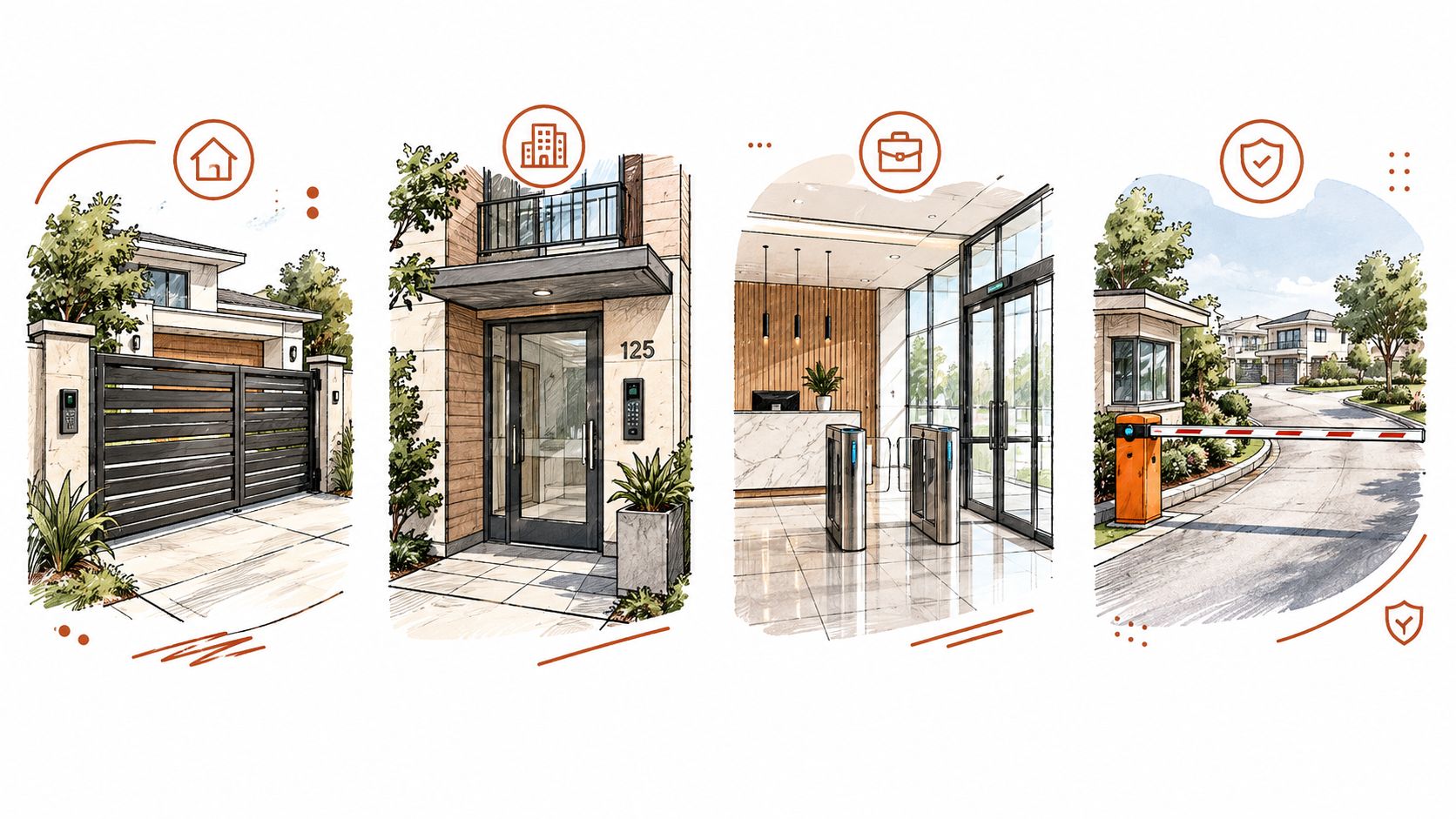
A single-family driveway usually has a small user group and a straightforward access rule. The owner may want a remote opening method, a way to provide temporary access, or a replacement for a lost clicker. The gate operator remains the central physical device, while the access-control device determines who can trigger it.
Multifamily properties add turnover, vendors, deliveries, and shared entrances. A former resident's fob must be revoked, a contractor may need access during a defined period, and a manager may need to handle a visitor without standing at the property. A shared PIN appears simple until nobody can determine who used it or remember to change it after it spreads.
At an HOA-managed gated community, the same issues multiply across residents, guests, landscaping crews, service companies, and board-approved access policies. The board also needs a practical way to explain decisions to residents. A system that requires manual updates at the gate may become a staff burden, even when its readers and operator still function correctly. An HOA evaluating multifamily gate access control should therefore examine administration and credential lifecycle alongside the physical barrier.
Commercial properties need clearer boundaries
An office building may separate employees, visitors, vendors, and restricted areas. A loading dock may need a different schedule from the main entrance. A property manager should ask whether the proposed system can represent those policies or whether everyone receives the same broad permission.
The physical access system also becomes a computing asset. NIST's ePACS security overlay explains that electronic physical access-control systems combine IT components with physical elements such as readers, doors, and locks. A compromised account, controller, communications path, or management application can therefore affect real-world entry.
A property can have a strong gate operator and still have weak access control if former users retain credentials or administrators share accounts.
The use case determines the right emphasis. A homeowner may prioritize convenience. An HOA may prioritize resident administration and visitor access. A commercial facility may need role separation, event records, and a clear response when an account or device is compromised.
Choosing Between Legacy Hardware and Retrofit Cellular Controllers
The replacement decision starts with the physical condition of the existing system. If a gate operator is unsafe, unreliable, unsupported, or unable to accept the required control signal, replacement may be necessary. If the operator works but access depends on shared codes, local-only changes, or a difficult visitor process, a retrofit controller may solve the more immediate problem.
A full replacement offers a clean equipment package and may simplify support when all components are designed to work together. It also creates disruption, installation work, resident communication, and new credential distribution. The new system can still inherit poor administration if the property doesn't define individual users, revocation rules, and responsibility for changes.
A retrofit approach preserves more of the installed equipment. Its success depends on wiring compatibility, available power, operator inputs, communications coverage, and the controller's security and management features.
| Decision point | Legacy hardware only | Retrofit cellular controller |
|---|---|---|
| Existing operator | Continues to operate as installed | Remains in service when compatible |
| Gate connectivity | May depend on local equipment or manual administration | Uses a cellular path rather than Wi-Fi at the gate |
| Credentials | Existing clickers, fobs, or keypad codes remain the main method | Existing credentials can work alongside a digital access method |
| Administration | Changes may require local intervention | Digital keys can be issued or revoked remotely when supported |
| Disruption | Lower immediate change, but old limitations remain | Less physical replacement, with installation and configuration still required |
Nimbio is one example of the retrofit approach. Its cellular LTE controller wires into an existing electric gate operator, doesn't require Wi-Fi at the gate, and is hardware-agnostic. Existing clickers, fobs, and keypads continue working alongside the app, while property managers can issue or revoke digital keys remotely, set an expiration date, and let visitors in remotely with video verification.
The key question isn't whether cellular sounds modern. It is whether the controller fits the operator, has a defined behavior during connectivity loss, protects administrator accounts, and gives the property the control it lacks. A manager researching how cellular gate openers work should also ask the installer to document the existing operator model, relay connection, power source, and access policy.
Key Features and Specifications to Evaluate
A proposal should be judged from the entry point inward. The following questions reveal more than a feature list.
Start with identity and credential design
Ask whether each resident, employee, vendor, or administrator receives an individual credential. NIST identifies three authentication-factor categories: something a person knows, something a person has, and something a person is. Two PINs still belong to the same knowledge category, so they don't provide the separation of a PIN combined with a registered device or biometric.
For administrator accounts, phishing resistance deserves particular attention. NIST explains that phishing-resistant authentication relies on cryptographic authentication, while look-up secrets and one-time passwords aren't phishing-resistant under that guidance. The practical questions are whether administrator credentials are device-bound, whether multifactor authentication is available, and how quickly a lost phone or departing administrator can be revoked.
Check the physical integration
The installer should identify:
- Operator compatibility: Which input does the controller use, and what does the existing gate manual require?
- Power behavior: Where does the controller receive power, and what happens after an interruption?
- Signal behavior: Does the device send a momentary trigger, maintain a relay state, or use another control method?
- Failure behavior: What happens when cellular service, management software, or the controller is unavailable?
- Safety equipment: Are presence sensors, reversing protection, emergency release, and other operator safeguards preserved?
Repair and wiring work must follow the specific manufacturer's manual. Gate operators and door hardware differ, so a qualified technician should verify terminals, voltages, safety circuits, and local requirements instead of relying on a generic diagram.
Treat cybersecurity as a procurement requirement
A recent survey reported that 32% of physical-security and cybersecurity professionals said their current access controllers lacked cybersecurity features, up from 21% in the prior year, while 74% reported that coordination between cybersecurity and IT had become more difficult, according to Security Today's survey report. The survey covered 561 professionals across physical security, IT, installation, and end-user roles.
Those figures point to specific questions, not automatic distrust of cloud management:
- Does the controller support secure boot and signed firmware?
- How are firmware updates delivered and documented?
- Can administrators use separate roles and multifactor authentication?
- Can credentials be revoked immediately?
- Are entry and authorization changes logged, retained, and exportable?
- Does the vendor publish vulnerability information and a response process?
- Is the controller or cellular path isolated from unrelated property networks?
Cloud-managed doesn't automatically mean secure. The controller, app, backend, administrator account, and legacy operator must be evaluated as one system.
How to Decide on the Right Solution for Your Property
The decision becomes clearer when the property manager answers three questions.
Who needs access? A private driveway may need a small set of individual users and temporary visitors. A multifamily property or HOA needs resident turnover, vendor permissions, and a process for revoking access. A commercial site may need separate roles for employees, contractors, deliveries, and restricted areas.
What must administrators control remotely? If the only problem is replacing a damaged credential, a local credential update may be enough. If managers need to issue expiring keys, revoke former users, verify visitors, or review events without visiting the gate, connected administration becomes more relevant.
What existing hardware can stay? Record the gate operator or lock model, available inputs, power arrangement, readers, keypads, call boxes, safety devices, and known faults. A retrofit is sensible when those components remain compatible and serviceable. Replacement is more appropriate when the equipment is unsafe, unsupported, or unable to meet the required access policy.
A concise brief for an integrator should include:
- The entry points and protected areas.
- User groups and visitor types.
- Current credentials and known revocation problems.
- Required schedules and expiration rules.
- Existing operator and lock equipment.
- Cellular or network constraints.
- Logging, administrator, and cybersecurity expectations.
- Accessibility and local code questions.
For additional evaluation, a cellular gate access system buyer's guide can help organize the retrofit questions, while Nimbio's features overview shows one example of cellular administration for existing electric gates and locks. The final choice should follow the property's actual hardware and policy needs, not the newest device category.
Nimbio provides a cellular LTE controller and smartphone app for electric gates, with electric locks as a secondary use, while existing clickers, fobs, and keypads can continue working. Property managers can issue and revoke digital keys remotely, set expiration dates, and let visitors in with video verification, so visit Nimbio to review whether this retrofit approach fits the property.


