

Electric gate keypads are convenient, but a shared four-digit code for an entire community creates security, privacy, and safety risks. They become a stronger access-control choice when credentials are managed individually, entry events are recorded, and the keypad is installed as part of a compliant gate-safety system.
A property manager may be dealing with this situation already. Residents know the code, a landscaping contractor has it, delivery drivers receive it when needed, and former occupants may still remember it. The keypad opens the gate, but it doesn't show which person used the shared credential or whether that person should still have access.
That doesn't make electric gate keypads useless. A keypad can provide practical perimeter access without issuing a physical key or remote to every user. The important distinction is that the keypad mechanism is only one part of the security system. Credential policy, revocation, event records, emergency operation, and safe installation determine how well it performs.
Table of Contents
- What Electric Gate Keypads Actually Do for Your Property
- Wired Versus Wireless Electric Gate Keypads
- Vandal Resistance, Encryption, and Lockout Behavior
- How Keypads Work With Modern Gate Controllers
- Safety, Placement, and Code Compliance You Cannot Skip
- The Hidden Risks of Shared PINs and How to Manage Them
- How to Choose and Install Electric Gate Keypads Correctly
What Electric Gate Keypads Actually Do for Your Property
An electric gate keypad accepts a PIN or passcode and sends an access signal to an electric or magnetic lock, or to the gate operator controlling the opening cycle. The basic sequence is simple. An authorized person enters a code, the system activates the lock, and the gate opens for a brief period. Some systems also record successful and unsuccessful attempts in a database, creating an audit trail for property management and incident review. These functions are described in the U.S. Government Accountability Office access-control assessment.
Keypads remain popular with HOAs, gated communities, multifamily properties, and commercial sites because credentials can be changed without replacing physical hardware. That is more convenient than recovering every key or clicker after a resident, employee, or contractor loses authorization. The weakness appears when one permanent code is distributed broadly. Anyone who learns it can continue using it until someone changes it.
Practical rule: A shared PIN should be treated as a widely circulated credential, not as proof of a person's identity.
The common failures are familiar. Someone can observe the code being entered, forget the code and request it from another resident, write it where others can see it, or pass it to a contractor who no longer needs access. A damaged keypad or vandalized enclosure can also turn a convenient entry point into a service problem. The GAO assessment identified shoulder surfing, forgotten passcodes, mechanical malfunction, and vandalism as practical weaknesses, and described keypad access as more effective when combined with another credential.
For managers evaluating a new system, the useful questions go beyond PIN length:
- Credential control: Can each authorized person receive a separate credential?
- Revocation: Can access be removed immediately when authorization ends?
- Traceability: Does the system record entry attempts with a timestamp and identifiable credential?
- Safety: Is the keypad positioned outside the gate's reach envelope?
- Continuity: Can emergency personnel operate the gate independently of ordinary resident access?
A broader overview of gate security components is available in this guide by Overton Security. It helps place a keypad within the larger system of operators, locks, sensors, and access policies.
Wired Versus Wireless Electric Gate Keypads
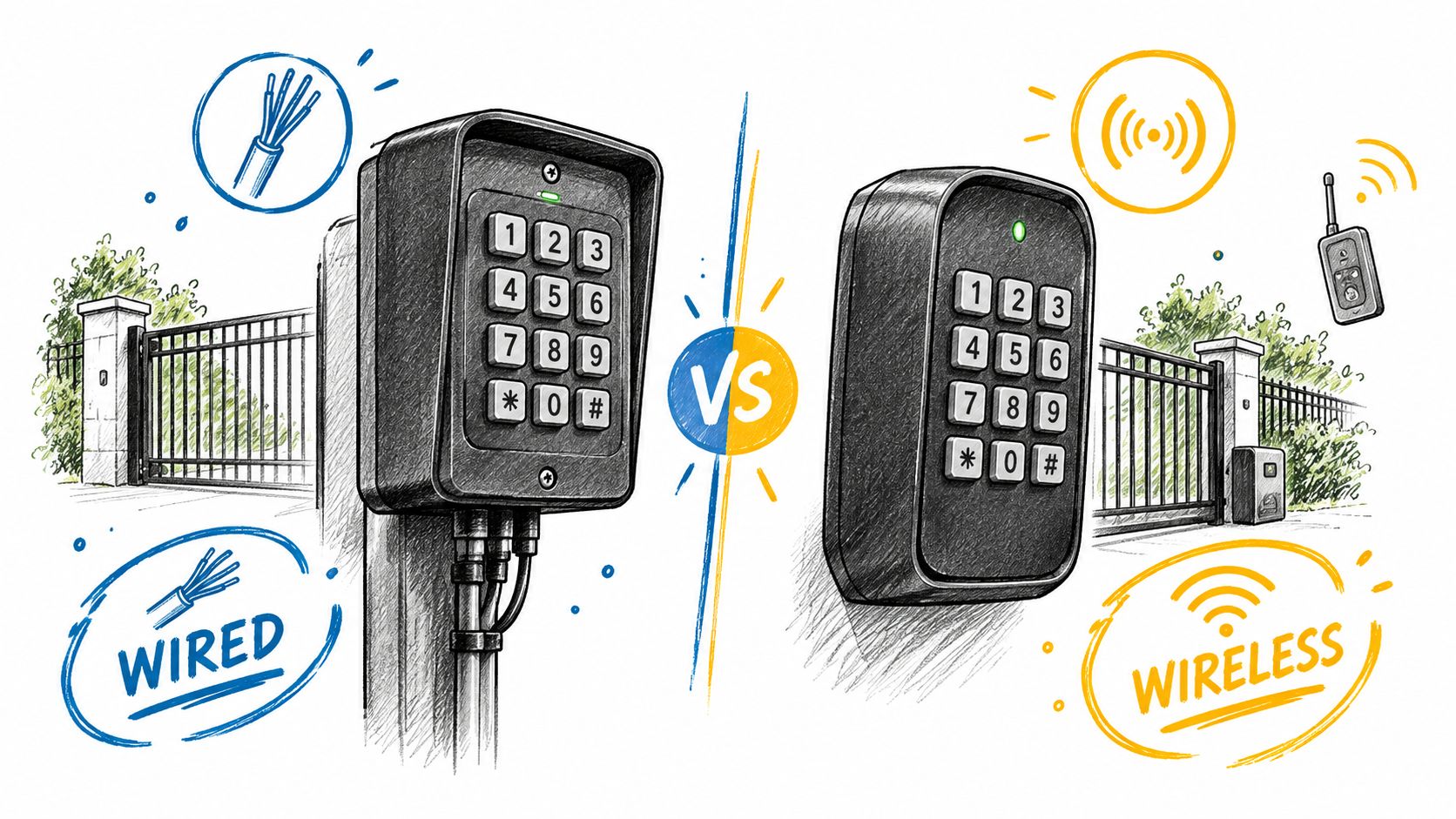
Wired and wireless electric gate keypads solve the same access problem, but they create different maintenance responsibilities. A wired unit normally receives power and communicates through a physical cable connected to the gate-control equipment. That arrangement can suit a busy entrance where dependable communication and low battery maintenance matter, provided the property can support conduit, protected cable routes, and suitable power.
A wireless keypad avoids much of that construction work. It can be useful where trenching or conduit would disturb finished paving, landscaping, or a historic wall. The trade-off is ongoing dependence on battery condition, radio range, interference, weather exposure, and the receiver's location. A wireless unit can be well designed and still become unavailable when its power source is depleted or the signal is unreliable at the final mounting position.
A guide to gate keypad systems can help a property team compare the hardware paths, but the decision should start with the gate rather than the keypad brochure.
Where each design fits
A wired keypad is usually the better operational fit when:
- Traffic is constant: Frequent use makes battery replacement an avoidable task.
- Conduit already exists: Existing raceways can reduce installation disruption.
- The entrance is exposed: A protected cable route may be easier to supervise than a wireless signal in a difficult location.
A wireless keypad can make more sense when:
- The gate is remote from power: The installation may avoid substantial civil work.
- The site layout changes: A wireless device can be easier to relocate during a property improvement.
- The operator supports the equipment: Compatibility must be confirmed before purchase, including power requirements and communication method.
Neither design automatically provides better security. A wired connection can still feed a poorly managed shared code, and a wireless unit can still provide useful access when configured and maintained correctly. The installation team should test the keypad at its permanent location, confirm that the signal reaches the receiver reliably, and document battery inspection responsibility where applicable.
The property's future plans also matter. If a manager expects to add digital keys or remote visitor access, the keypad should remain a usable part of a layered system rather than becoming a dead-end installation. The operator's input, emergency release circuit, safety devices, and access records should be reviewed together before work begins.
Vandal Resistance, Encryption, and Lockout Behavior
An outdoor electric gate keypad must handle more than rain. Grit, repeated impact, deliberate damage, poor lighting, gloves, and dirty hands all affect reliable operation. Match the enclosure to the site, and verify the manufacturer's environmental and vandal-resistance specifications. An “outdoor” label alone does not show that a unit suits a busy entrance.
IP ratings describe resistance to dust and water, not every type of physical abuse. Check how the keypad is mounted, whether the faceplate can be pried away, how its cable is protected, and what happens if the unit loses power. The mounting position also affects safety. Users should be able to operate it without standing in the gate's travel path or reaching through a moving opening. A strong enclosure provides limited protection if the operator, wiring, or release hardware remains exposed.
Security features that affect real use
Encryption matters when credentials or access commands travel over a wireless connection. Documentation should explain how communication is protected, how administrator access is secured, and whether credentials are stored safely. Wireless commands and administrator functions should use encrypted gate entry systems with documented security controls. NIST guidance says memorized secrets should not be stored as recoverable plaintext, and a PIN is not equivalent to stronger multifactor authentication. The relevant NIST authenticator guidance supports that distinction.
Repeated failed attempts need a controlled response. NIST identifies throttling as the primary defense against online guessing. At a gate, that may mean progressive delays, temporary lockouts, alerts, or another defined response. Unlimited guesses make a short shared code easier to attack and can let someone repeatedly trigger the entry system to disturb residents.
A longer PIN cannot compensate for unlimited attempts, poor credential storage, or a code copied among people who no longer need access.
Selection should cover four separate controls:
- Physical resistance: The enclosure and mounting should suit the site's exposure and likely abuse.
- Protected communication: Wireless traffic and administrator functions should use documented security controls.
- Attempt handling: Failed attempts should trigger rate limiting instead of unlimited retries.
- Administration: The system should support revocation, credential changes, and access records.
Shared PINs also create a governance gap. A departing employee, former contractor, or delivery driver may retain access unless someone changes the code and records the action. Individual credentials improve accountability, while a shared code requires a clear owner, turnover process, and review schedule.
A product page that lists weather resistance but says nothing about lockout behavior leaves an important question unanswered. Encryption claims need the same scrutiny. Confirm what is protected, how credentials are managed, and what administrators can see after access is granted.
How Keypads Work With Modern Gate Controllers
Most keypad installations ultimately need to send a simple command to the gate operator. In many systems, the keypad activates a relay or another control input that tells the operator to begin its programmed cycle. That basic electrical relationship can make a retrofit straightforward, but compatibility still depends on the operator manual, input type, voltage, wiring method, and safety architecture.
A simple relay connection can verify a code and open a gate without identifying the individual behind it. A more advanced access-control arrangement may assign separate credentials, retain timestamped events, and connect more than one entry method to the same operator. Those are different capabilities, and property managers should not assume that a keypad inherits them automatically.
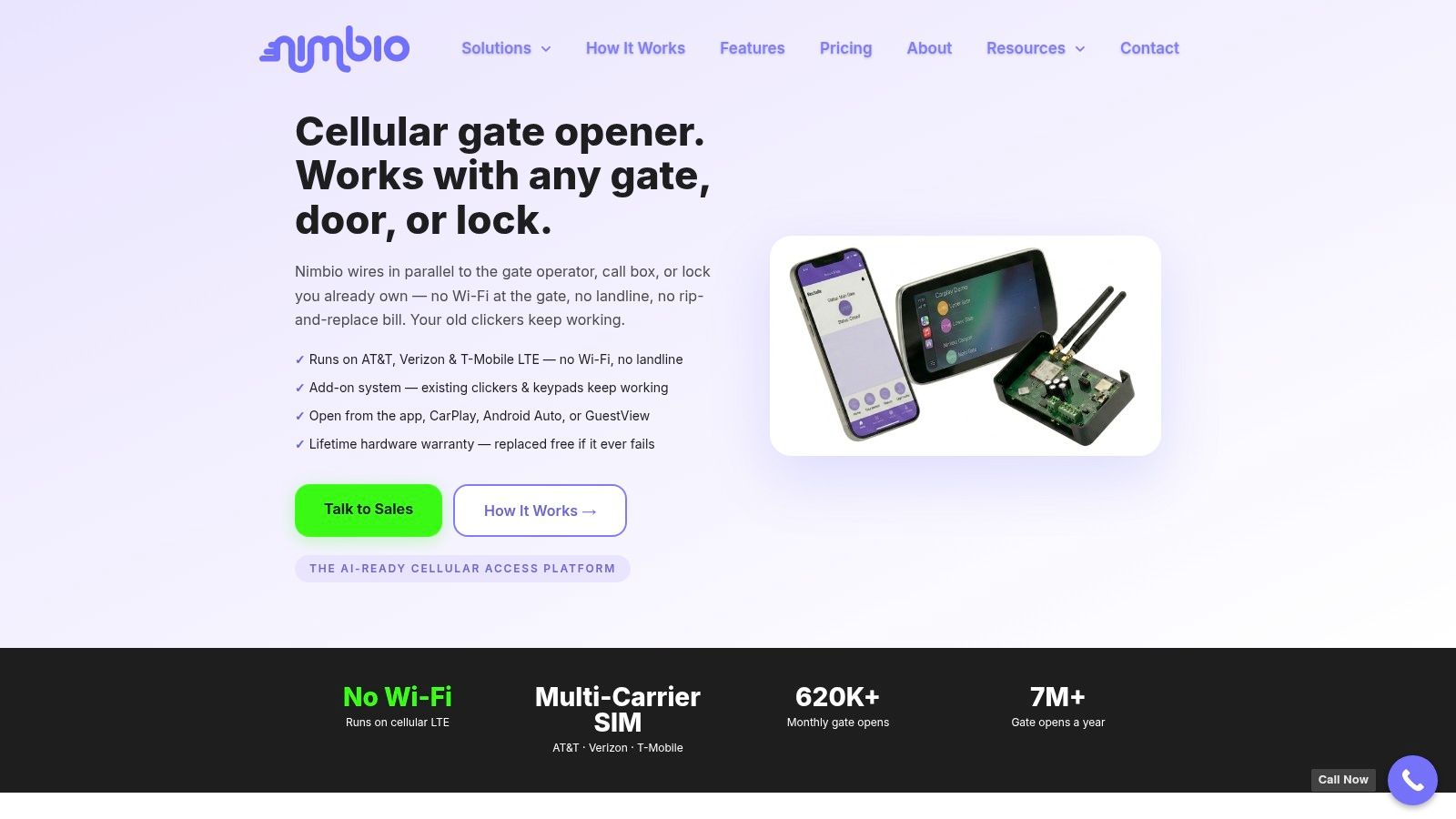
A cellular add-on controller such as Nimbio can wire into a compatible existing gate operator while existing clickers, fobs, and keypads continue working. It connects over cellular LTE, so the gate doesn't need Wi-Fi, and property managers can issue or revoke digital keys remotely, set an expiration date, and let visitors in remotely with video verification. The relevant design principle is coexistence, not automatic replacement.
The same planning discipline used when evaluating other property-management tools applies here. A 2026 HVAC software buyer's guide is not an access-control source, but it illustrates why managers should compare operational responsibilities rather than isolated feature lists.
Plan the access layers before wiring
A property team should decide whether the keypad will remain the primary credential, operate alongside individual digital keys, or serve as a limited fallback. The answer affects user onboarding, offboarding, event review, and emergency procedures.
The operator manual should be checked before any repair or wiring work. Models differ, and a technician should confirm the control input, power requirements, relay behavior, and safety-circuit behavior rather than relying on a generic wiring diagram. Guidance on how cellular gate openers work can provide general context, but the installed operator's documentation controls the actual work.
A modern controller can improve administration when it adds individual, revocable access without disabling the keypad people still depend on. It doesn't remove the need for safe gate operation, emergency release, or a clear record of who is authorized to use each access method.
Safety, Placement, and Code Compliance You Cannot Skip
A keypad can authenticate a user correctly and still be installed in an unsafe location. Vehicular gate controls are part of the moving-gate safety system, so placement must prevent a person from reaching through, under, around, or over the gate while operating it.
ANSI/CAN/UL 325 requires user-activated controls for vehicular gate operators to be at least 6 feet from any moving gate component and positioned so the user cannot reach the moving parts. Controls used to reset an operator after two sequential entrapment-protection activations must remain within the operator's line of sight. The ANSI/CAN/UL 325 safety document should be reviewed alongside the operator's instructions and local requirements.
A separate installation guide recommends a 10-foot distance between a wireless gate-entry intercom or keypad and the gate, while also advising range testing before permanent mounting. That guidance illustrates why the applicable product manual and authority-having-jurisdiction requirements must be checked instead of treating one distance as universal. The wireless keypad installation guidance also identifies a 50-foot keypad-to-receiver range for its cited unit, which is a product-specific figure rather than a general rule.
Review the gate as a safety system
For most automated vehicular gate installations, ANSI/CAN/UL 325 requires at least two independent entrapment-protection means in each direction of travel wherever an entrapment hazard exists. Protection may include monitored sensing edges and non-contact photoelectric sensors. The requirement applies to each entrapment zone, so one gate may need protection at several locations. A keypad is an access input and cannot substitute for those devices. The DASMA technical summary of UL 325 entrapment protection explains this distinction.
The operator must also monitor external safety devices continuously. If a monitored photoelectric system or sensing edge stops working, the operator must restrict movement to constant-pressure operation, and the monitoring system must not be easy to bypass or defeat. The UL summary of the door and gate operator standard describes that monitored behavior.
Emergency access deserves its own review. Rowlett, Texas, requires a Knox bypass switch or releasable emergency cable for certain gate installations and states that remote electronic release requiring third-party intervention isn't an authorized public-safety entry method. Los Alamos County guidance requires an emergency switch to bypass occupant controls and loops, open the gates within 15 seconds, and hold them open until firefighters deactivate it. Local requirements vary, so the authority having jurisdiction should approve the design before installation.

The Hidden Risks of Shared PINs and How to Manage Them
The weakest part of a shared keypad is often governance rather than code length. A property can require a more difficult PIN, yet still lose control when residents repeat it to contractors, delivery drivers, guests, or former occupants.
Research involving 35 participants found that 28 people, or 80% of the sample, reported reusing at least one PIN. Researchers recorded 140 PINs, an average of 4 PINs per participant, and those PINs controlled 231 assets. The sample wasn't a population-wide estimate, but it offers a concrete explanation for why a gate code can be exposed through habits formed elsewhere. The peer-reviewed PIN reuse study also included physical uses such as home security keypads and garage doors.
A shared gate PIN creates several administrative gaps at once. It identifies the credential, not the person. It gives the manager no reliable way to distinguish a resident from a contractor using the same code. It also makes an incident investigation depend on memory, camera footage, or witness reports instead of a user-specific event record.
Replace the shared-secret mindset
The strongest improvement is to assign individual credentials where the hardware supports them. If the system still depends on a short numeric code because of the operator, local requirements, or the property's chosen keypad, governance can still improve around it.
- Residents and staff: Assign separate credentials and remove them promptly when authorization ends.
- Contractors: Use permissions that expire with the work period instead of distributing a permanent community code.
- Delivery access: Limit entry to a documented window or use a managed visitor process where available.
- Former occupants: Include credential removal in the same offboarding process used for keys, fobs, and building systems.
- Incident review: Retain timestamped access events and record who approved each credential.
A property manager should also document who can change codes, who reviews failed attempts, and who owns the process after staff turnover. A long PIN copied among dozens of users may provide less accountability than a shorter credential tied to an individual, limited by schedule, and removed promptly.
How to Choose and Install Electric Gate Keypads Correctly
The right keypad is the one that fits the operator, the property's traffic pattern, the installation environment, and the management process. A product that looks secure on a specification sheet can still create problems if the installer cannot protect the wiring, the receiver has unreliable range, or the property has no plan for removing old credentials.
A practical evaluation can follow this order:
- Confirm the operator interface. The qualified technician should verify the gate operator manual, control input, power requirements, relay behavior, and compatibility before selecting the keypad.
- Choose the installation path. Compare protected conduit and ongoing battery maintenance against the site's construction limits and wireless conditions.
- Review the physical design. Check the enclosure, mounting method, tamper exposure, lighting, and protection from weather and impact.
- Check communication security. Look for documented encryption, safe credential storage, administrator protection, and sensible failed-attempt handling.
- Separate access from safety. Verify that the keypad location meets the applicable setback and reach requirements, and confirm that entrapment protection remains active after wiring.
- Confirm emergency operation. Ask the authority having jurisdiction whether a dedicated fire-service bypass, switch, cable, or other independent release is required.
- Create the management procedure. Define how credentials are issued, scheduled, reviewed, revoked, and recorded for residents, employees, contractors, and visitors.
The final test should cover more than whether the PIN opens the gate. The installer should test normal entry, failed attempts, loss of power where applicable, emergency release, sensor response, operator monitoring, and event records. Repairs or wiring changes should follow the manufacturer's manual, because terminal layouts and safety behavior differ between models.
A cellular controller can complement electric gate keypads when a property wants remote digital keys while retaining existing access methods. Nimbio connects over cellular LTE, wires into the gate operator already in place, and lets property managers issue or revoke digital keys remotely, including expiration dates. That approach can address governance gaps without requiring immediate removal of existing clickers, fobs, or keypads.
Nimbio offers a cellular add-on controller and smartphone app for electric gates, with remote digital-key management and visitor entry that can include video verification. Property managers can visit Nimbio to see how it works alongside existing electric gate keypads.


