
GuestView
The visitor directory for your gate — no physical callbox required
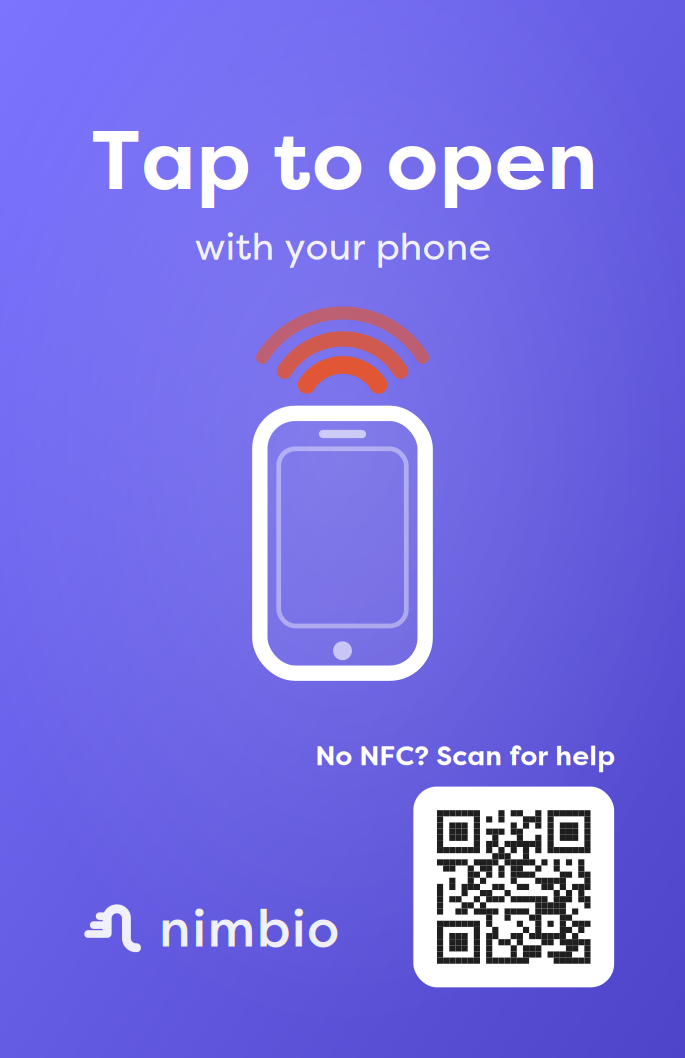
A guest scans a QR code or taps an NFC panel at the gate, finds who they’re visiting, and enters an access code, sends a video call request the resident answers (one-way by default, two-way optional), or — where a community has turned it on — verifies their own phone number and lets themselves in. No app, no account, and no external camera hardware at the gate.
No app for guests • No external camera • Doubles as a community directory
How it works
How does a guest get in with GuestView?
GuestView is a digital visitor directory for your gate — no physical callbox required. A visitor scans a QR code or taps an NFC tag at the entrance, or opens a link shared with them directly — no app or account required — and the directory opens right in their phone’s browser.
From there, they can enter an access code the resident shared with them in advance for instant, hands-off entry, or search for the resident and send a call request, which texts a link to the resident’s phone from anywhere in the world — the resident taps the link, sees the visitor live, confirms who they are, and opens the gate remotely, all without an external camera, wiring, or callbox hardware at the gate. On gates where a community has turned it on, a visitor with no key can also use Number-Verified Access to verify their own phone number and open the gate directly, with no resident or code involved.
Every code use, every call, and every Number-Verified Access attempt is logged, so managers always have an audit trail of who came through the gate and when.
Delivery drivers: see how delivery drivers get into gated communities.
What GuestView gives every community
Visual Verification
A video call between guest and resident (one-way by default, two-way optional) confirms who’s at the gate before anyone lets them in.
Privacy & Control
Once GuestView is turned on for your community, residents choose how they appear in the directory — custom display name, unit number only, or opted out entirely.
Shared Access Codes
Once GuestView is turned on for your community, residents generate time-limited codes for trusted visitors, dog walkers, and service providers — no call required.
Entirely optional
Number-Verified Access: let visitors in with just a phone number
Number-Verified Access is an off-by-default option a community can turn on if it wants — a property can leave it off and use only GuestView’s video call and access codes. When it’s on, a visitor with no key doesn’t have to wait for a resident to answer a call or already hold an access code: on gates the community has enabled it for, they verify their phone number with a texted one-time code and the gate opens. (Called “GuestView Entry” in the Community Manager portal, and the button a visitor taps is labeled “Get me in.”)
Because entry is tied to a verified phone number rather than an anonymous shared code, every open still has an identifiable contact behind it. The first entry needs no name on file; later visits ask for one so entries are attributable. Scan-only gates require the visitor to tap their phone on the gate’s NFC tag as well, so entry only works when someone is physically present. Every attempt — successful or not — is recorded with the phone number, gate, time, and result.
Community managers decide if that tradeoff is right for their property: a community-wide switch, a per-gate eligibility list, and optional hour windows keep it fully opt-in. Communities that want tighter control over who gets in can simply leave it off.
How a guest uses it
- Scan the gate’s QR code or tap its NFC panel to open the directory
- Tap “Get me in” above the resident list
- Enter your phone number and the texted one-time code
- The gate opens — tap the gate’s NFC tag too on scan-only gates
Guides by role
Find the GuestView guide for you
What you can do in GuestView depends on your role. Pick your guide below.
Community Managers
Turn GuestView on, configure the directory, and manage short codes and access-code audit logs.
Manager guide →Residents
Control your directory listing, create access codes for guests, and answer visitor video calls.
Resident guide →Guests & Visitors
No app or account needed — scan the QR code, find who you’re visiting, and get in.
Guest guide →Looking for shareable event or one-off visit links? That’s GuestLinks — it works whether or not your community uses GuestView.
GuestView questions
Does my guest need to download an app to use GuestView?
No. Guests scan a QR code or tap an NFC tag, and the directory opens directly in their phone’s browser — no app install or account creation required.
Can the resident see who’s calling before they answer?
Yes. When the resident taps to start the call, the visitor’s phone camera streams live video to the resident’s phone the moment the call connects — one-way by default, so the resident sees the guest but the guest doesn’t see the resident, with two-way available if the resident turns on their own camera. The resident can answer from anywhere in the world and open the gate remotely.
Can a visitor with no key or access code still get in?
On gates where a community has enabled Number-Verified Access, yes. The visitor verifies their phone number with a texted one-time code in the directory, and the gate opens — no resident, key, or advance access code needed. Community managers control which gates allow it and can limit it to specific hours.
Is GuestView included with every Nimbio system?
Yes, GuestView is a standard feature of every Nimbio installation — there’s no separate hardware to buy or camera to mount at the gate. See the full GuestView overview in our Knowledge Base for a step-by-step walkthrough.
Give your property a smarter entry
Talk to our access experts about adding GuestView to your gate, callbox, or door.