

The gate is stuck, the keypad is dead, and the control box is beeping in the rain. That's the point where a gate motor battery moves from an invisible spare part to the first thing worth checking, because backup power is what keeps the operator alive when mains power drops.
A healthy battery keeps the motor, receiver, and attached accessories working long enough for people to get in and out. A tired battery can look fine on a charger and still fail under load, which is why gate problems often show up first during an outage, after a storm, or on a cold morning.
Table of Contents
- What a Gate Motor Battery Actually Does
- Battery Types, Voltage, and Capacity Explained
- Sizing the Battery for Real-World Traffic
- How to Test a Gate Motor Battery Safely
- Replacing a Gate Motor Battery the Right Way
- Maintenance Habits That Extend Battery Life
- Putting Battery Health in the Bigger Picture
What a Gate Motor Battery Actually Does
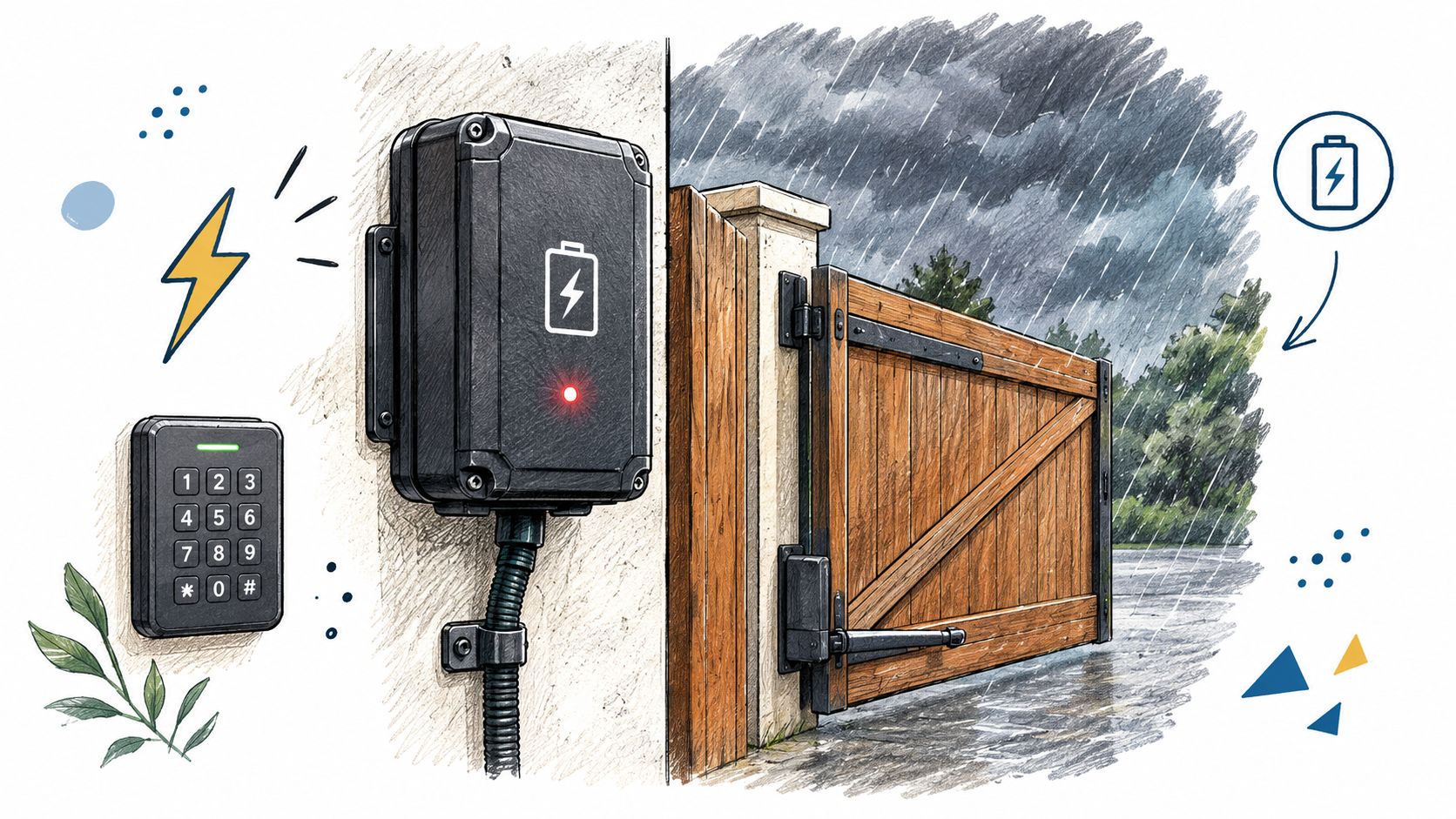
A gate can look dead in a power cut even when the operator is fine. The battery steps in and keeps the control board, receiver, arm or slide gear, and any powered accessories working long enough for people to get in and out.
That matters because battery trouble often shows up like a motor fault. The operator may be healthy, the board may be healthy, and the core issue is a standby battery that can no longer hold up under load.
Backup batteries and traction batteries serve different duties. A gate battery is built for standby service and short bursts during an outage. A deep-cycle battery is meant to tolerate repeated discharge better, so using the wrong type leads to poor runtime estimates and shorter service life.
Remote access does not change that basic job. Even a cellular setup like the one described in how cellular gate openers work still depends on the operator's own power source, so battery health stays part of the whole system.
Outages raise security questions beyond the gate; one Sacramento security firm describes its power-outage security patrols.
Practical rule: if the gate works on mains power but struggles the moment the grid drops, start with the battery before chasing the board or motor.
Common signs point to the battery rather than the operator itself:
- Weak or partial movement: The gate starts, slows down, or quits partway through a cycle.
- Repeated beeping or alarms: The control box warns about low backup power.
- Normal AC operation, poor outage operation: The gate behaves when the grid is live but fails when it isn't.
- Recent storm, heat, or cold exposure: Weather stress often shows up in battery performance first.
- A battery that looks charged but won't cycle: That usually means capacity has fallen under load.
Battery Types, Voltage, and Capacity Explained
Most gate operators use sealed lead-acid batteries in 12-volt or 24-volt configurations. They are sealed, spill-resistant, relatively inexpensive, and made for repeated deep-discharge service during outages. Typical life is about 3 to 5 years for this class of battery, though heat, cold, overcharging, undercharging, corrosion, and frequent deep discharge can shorten that window [automatic boom gate battery failure].
Voltage matching comes first. A 12-volt or 24-volt battery has to match the operator's control-board specification, or the electronics can be damaged and the motor may not run at all. That requirement sits in the operator's manual, and it is the first thing I check before I blame the battery itself.
Common Gate Motor Battery Chemistries at a Glance
| Chemistry | Typical Voltage | Expected Life | Cost Level | Notes |
|---|---|---|---|---|
| Sealed lead-acid | 12 V or 24 V | About 3 to 5 years | Lower initial cost | Common in gate operators, sealed, spill-resistant, charger compatibility matters |
| AGM lead-acid | 12 V or 24 V | About 3 to 5 years, with better tolerance for varied mounting positions | Lower to moderate | A sealed lead-acid type, often used where maintenance access is limited |
| Gel lead-acid | 12 V or 24 V | About 3 to 5 years, but more sensitive to charge voltage above 14.1 V | Moderate | Needs the right charger settings, not every operator is happy with it |
| Flooded lead-acid | 12 V or 24 V | Varies by use | Lower initial cost | Less common in enclosed gate cabinets because maintenance and spill risk are higher |
| Lithium | Depends on system design | About 5 to 10 years | Higher initial cost | Only worth considering when the operator and charger are confirmed compatible |
Capacity matters too, but it does not tell the whole story. A battery with more amp-hours can still disappoint if the charger cannot refill it properly or if the site draws hard current in cold weather. More amp-hours is not automatically better.
What matters is usable cycle count at a specific site. A gate that only sees a few outage cycles can run well on a modest battery, while a property with frequent entries, radios, keypads, loops, and cold mornings can drain the same battery faster than the label suggests. That is why I size batteries around real traffic and expected backup cycles, not the sticker alone.
For buyers comparing systems, what to look for in a gate access system is usually less about the shiny feature list and more about whether the hardware stack can support the power source already on site.
A battery that is oversized for the charger can leave the operator undercharged, which is just another way to invite failure later.
Sizing the Battery for Real-World Traffic
Manufacturers love ideal numbers. Real properties don't live in ideal conditions, so battery sizing has to start with traffic, weather, and the way the gate is really used.
A gate operator's backup runtime depends on cycle count, accessories, and battery capacity, not just the amp-hour label.
The cleaner way to size a gate motor battery is to count energy demand in layers. Start with the energy per open-and-close cycle, then add standby draw for the receiver, keypad, and any other powered accessories, then add the expected number of cycles during an outage, then derate for the coldest part of the year.
A hypothetical example makes the math easier. If a 12-volt operator draws about 5 amps during a cycle, a 35-Ah battery may look generous on paper, but 12 outage cycles plus standby draw and cold-weather derating can reduce the usable margin fast. The label tells only part of the story.
What changes the number you get
- Gate weight and hardware friction: Heavier gates and sticky rollers raise current draw.
- Weather: Cold reduces usable capacity, and heat shortens battery life.
- Accessory load: Radios, loops, intercoms, and safety devices all draw from the same reserve.
- Battery age: A battery that is old enough to look fine can still collapse early under load.
- Charge quality: Undercharged batteries don't deliver their rated reserve.
The reason this matters is Peukert effect, but the practical version is simpler. When current draw rises, usable energy falls. That means a battery that looks adequate for light standby can be weak once the gate is used repeatedly during an outage.
For readers comparing systems, the better question is not “how many hours does it last?” It's “how many real cycles can this site get when the power is out?” That's the standard that matters for homes, HOAs, logistics sites, and emergency access points.
How to Test a Gate Motor Battery Safely
A battery can still fail under gate use even when the meter says it looks fine. Voltage alone is a weak check. A controlled load test shows how the battery behaves when the operator asks for current.
The test sequence that catches weak batteries
Start by isolating the battery from the operator and letting it rest so the reading is not distorted by recent charging or use. Record the rested voltage, then inspect the terminals for corrosion, swelling, or loose connections. After that, apply a load that fits the battery's ampere-hour rating and watch both voltage sag and recovery.
The practical point is simple: test conditions matter more than a quick meter check. If the battery was just charged, surface charge can make it look healthier than it is. That is why a rested check, not an immediate post-charge reading, gives you a better starting point. If the gate also has a Nimbio device, Nimbio's guide to what the LED lights on a Nimbio device mean explains that device's own status lights.
The strongest warning sign is a battery that sits around 13.2 to 13.3 V open-circuit and still holds only 10 to 30% of rated capacity during discharge, as noted in the Applied Sciences battery testing article. That kind of reading is common enough to trap people who trust voltage alone. A battery can look charged and still be poor at delivering useful cycles.
Practical rule: judge the battery by how it performs under load, not by a resting number alone.
Testing at installation, after a deep discharge, and during quarterly service checks keeps the result tied to site traffic and real wear, not just the calendar. If the battery cannot hold the operator's minimum voltage during a representative cycle, replace it. For a field check, cut AC power with the gate closed and count real open-close cycles until the system starts to stumble. That count is the one that matters to the homeowner or property manager standing at the call box when the grid drops out.
Replacing a Gate Motor Battery the Right Way
Battery replacement looks simple until polarity, charger settings, or corrosion turn it into a control-board repair. Speed matters less than the order you follow.
Do the safety steps first
Disconnect AC mains to the operator, engage manual release, and wear gloves and eye protection. Then confirm that the replacement battery matches the operator's labeled voltage exactly. The operator manual should be the final word here, because the wrong battery can damage the electronics or stop the motor from working.
Open the enclosure and inspect the old battery before touching the terminals. If corrosion is present, clean it carefully and keep metal tools from bridging the posts. A baking-soda paste is a common cleanup aid for acid residue, but the priority is avoiding a short while the battery is out.
Disconnect the old battery in the correct order, then install the replacement with the same polarity. Positive goes first on reconnection. After that, check charger float voltage against the manufacturer's specification, not against a guess.
A 12-volt lead-acid battery normally uses six cells in series. The sealed lead-acid charging whitepaper linked in the maintenance section below recommends a constant float voltage of 2.25 to 2.30 volts per cell at 25°C. That range is not universal, because charger design and chemistry still set the correct value, but it gives the technician a practical reference point.
Some operators need a reset or relearn after a battery swap, and some do not. The manual decides that part every time.
When the old battery comes out, handle disposal properly. Take lead-acid batteries to a retailer take-back program, an authorized recycler, or a municipal hazardous-waste channel, not the household bin. For background on the sector, see these battery recycling industry statistics.
A quick replacement still needs a final check. Run the gate through a normal cycle, confirm the charger is holding the battery where it should, and make sure backup operation feels steady under the same traffic pattern the site sees.
Maintenance Habits That Extend Battery Life
A gate that works fine in mild weather can start misbehaving once the battery is stressed by heat, cold, or weak charging. In the field, the battery often lasts or fails based on the enclosure, the charger, and how often someone checks the system, not just on the label capacity.
A quarterly routine that catches trouble early
Quarterly checks work better than waiting for a calendar replacement date. Inspect the enclosure, terminals, and wiring for corrosion, swelling, and loose lugs. Confirm charger operation, check resting voltage, and run a load test that follows the operator's manual. End with a simulated outage so the gate cycles on backup power, then write down what happened.
That log is practical, not paperwork for its own sake. For HOA boards and property managers, it shows whether the battery is holding steady or drifting under the site's real traffic pattern. A battery that still opens the gate once may already be slipping when repeated cycles, long idle periods, or a longer outage expose it.
Temperature changes deserve the same attention. A study in the journal Batteries concludes that for high-power applications at −18°C, around 60% of the nominal capacity of lead-acid batteries can be used. Cold sites need more reserve, and batteries that look fine indoors can fall short once they sit in a cold cabinet.
Heat brings a different failure mode. Mouser charging whitepaper notes that sealed lead-acid charging without temperature compensation speeds degradation, and that thermal runaway becomes a risk above about 45°C. A sun-heated operator cabinet should be treated as a power and thermal environment, not just a box with a battery inside.
Self-discharge also eats into standby time between service visits. Sites with light traffic, seasonal use, or long idle stretches feel that drift fastest, because the battery may age in place before anyone notices. The Batteries study cited above compares the capacity behaviour of lead-acid and lithium iron phosphate batteries across temperatures.
Lithium can work well in some operators, but only if the charger, cutoff behavior, and enclosure are compatible. A longer-life battery still needs the right charging setup. Otherwise, the replacement buys less than expected.
Putting Battery Health in the Bigger Picture
A healthy battery keeps the gate moving, but it doesn't fix every weak point in the access system. The operator still needs a sound controller, working remotes or keypads, and an access plan that doesn't fail when one component goes quiet.
That is why battery choice works best when it is treated as part of a reliability plan. Record the install date, keep the manual handy, check the charger at the same time as the battery, and make sure the property knows what happens if the backup supply is nearly empty.
One practical example is a cellular add-on like Nimbio, which wires into the existing operator, works over cellular LTE with no Wi-Fi at the gate, keeps clickers, fobs, and keypads working, and lets managers issue or revoke digital keys remotely with optional expiration. It doesn't change the need for a good battery, it just gives the site another access layer while the original hardware stays in place.
For anything beyond routine checks, the manufacturer's manual and a qualified installer should decide the next move. Battery-backed access is only dependable when the power source, controller, and access method are all maintained with the same care.
If the gate needs a better access layer to sit on top of the existing operator, Nimbio adds cellular control without replacing the gate hardware already in place. It can help property managers keep access moving while the battery system gets the maintenance it needs.


