A command that opens one GSM gate controller can hold another controller's relay on continuously. The i-Gate Prime manual, for example, distinguishes momentary, latch-on and off commands rather than treating them as interchangeable ways to open a gate. A GSM gate opener programming manual must therefore match the exact controller: prepare the SIM, authenticate, replace the default credential, authorize callers, match the relay to the gate operator and test both access and safety.
Successful programming means more than getting the gate to move. The installer also needs proof that unlisted callers are rejected, administrator access is controlled and the property has a documented recovery procedure.
Table of Contents
- Command Syntax by Model and How to Find Yours
- Bench Test the Controller Before Installing It
- How to Add Passcodes and Authorized Numbers
- Relay Commands and Pulse Duration Settings
- Diagnosing Common Errors and Failed Openings
- Lock Down the Setup and Confirm It Works
Command Syntax by Model and How to Find Yours
A command copied from another opener can fail without warning or change the wrong setting. The manual shipped with the exact unit overrides generic instructions, including the examples below.
Start with the label on the cellular controller, not the gate motor. Record the model name, hardware version and any modem identification, then match those details to the manual. A similar enclosure or product name isn't enough to establish compatibility.
Programming route and confirmation signal by documented model
| Model (source manual) | Programming route | Command format | Confirmation signal |
|---|---|---|---|
| GSM100, DoorEntryDirect manual | Call the device | Passcode enters programming mode; authorized numbers stored in memory | Long acceptance tone or short rejection tones |
| Aristel 4G, AN1806 manual | SMS or dial-in | Model-specific SMS commands or authenticated dial-in sequence | Acceptance or rejection beeps |
Some controllers take commands over SMS instead of a call. The i-Gate Prime uses a passcode, command and data joined by # separators sent to the SIM number. Whatever the route, confirm the acknowledgement your unit gives during a first test: a command accepted without any visible reply is not the same as one confirmed.
The Aristel AN1806 manual documents the dial-in sequence *12*1234#, identifies 1234 as the default password and specifies one long beep for acceptance or three short beeps for rejection. A unit still answering on 1234 accepts programming from anyone who has read the same manual.
Practical rule: A command list without its model name and authentication requirements isn't a usable programming reference.
Keep a programming-route card with the unit identifying whether administration runs over SMS, a telephone call or another documented interface, plus the steps to regain access if a command locks you out. Don't put the administrator password on an exposed cabinet label. Check the exact manual for your unit before sending any command you haven't already proven on that hardware.
Bench Test the Controller Before Installing It
Bench testing separates cellular setup from gate wiring. Finding an inactive SIM at a workbench is easier than diagnosing it inside a gate cabinet after the operator has already been connected.
The Prime installation manual recommends configuring and testing the system on a workshop bench before deployment; the commissioning guidance includes a first-power-up registration window of 30–90 seconds. That interval isn't a universal timeout for every modem, so the selected controller's registration instructions still govern.
- Validate the SIM. Test it in a normal phone to confirm that the intended voice and SMS services are active. A data connection alone doesn't prove that incoming opening calls will work.
- Remove the SIM's PIN lock. Follow the controller manual's SIM preparation requirements before installing it. An unresolved PIN request can prevent registration.
- Check the supply. Match voltage and polarity to the controller label and manual. Use a multimeter rather than assuming that an available accessory terminal supplies suitable power.
- Connect the antenna. Fit the specified antenna before powering the cellular controller. A disconnected antenna can turn a straightforward setup into an apparent SIM fault.
- Power up and allow registration. Follow the model's startup sequence and documented waiting period. Don't repeatedly cycle power while the modem is trying to register.
- Confirm network registration. Use the manual's defined status indication or diagnostic response. An illuminated power indicator doesn't establish that cellular service is available.
- Connect the gate interface only after the bench checks pass. With power isolated as the equipment manuals require, a qualified installer should connect the relay to the operator's documented dry-contact trigger, not directly to the motor.
Separate cellular faults from wiring faults
Typical checks include an inactive or PIN-locked SIM, a missing antenna, unsuitable supply power and weak reception around a metal cabinet. The operator's trigger may be labeled START, STEP-BY-STEP, OPEN or access control, but terminal names alone aren't a wiring diagram.
Understanding how cellular gate openers work helps distinguish the cellular command path from the operator that moves the gate. If the controller or operator isn't covered by the available wiring documentation, obtain manufacturer confirmation before connecting it.
How to Add Passcodes and Authorized Numbers
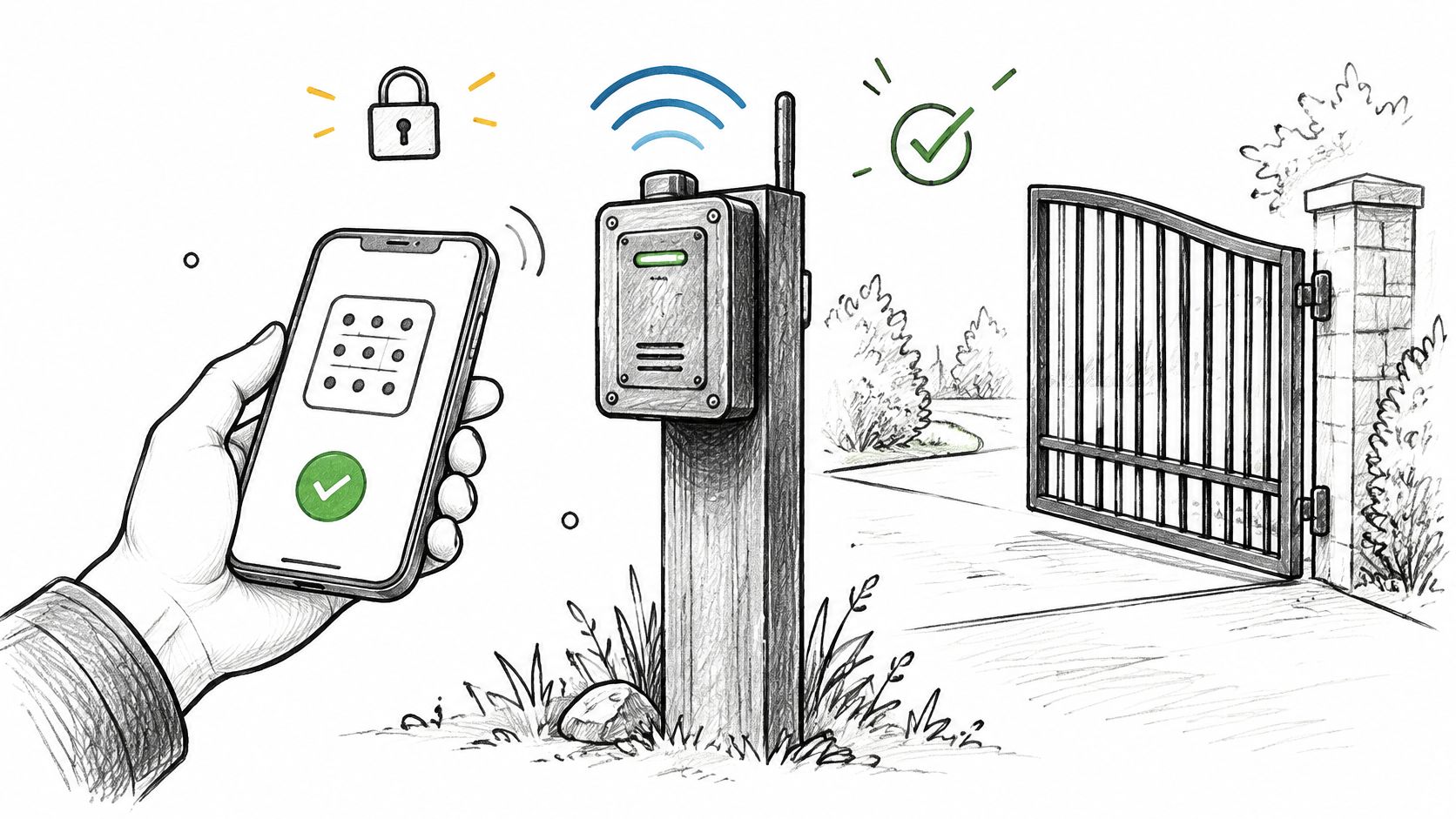
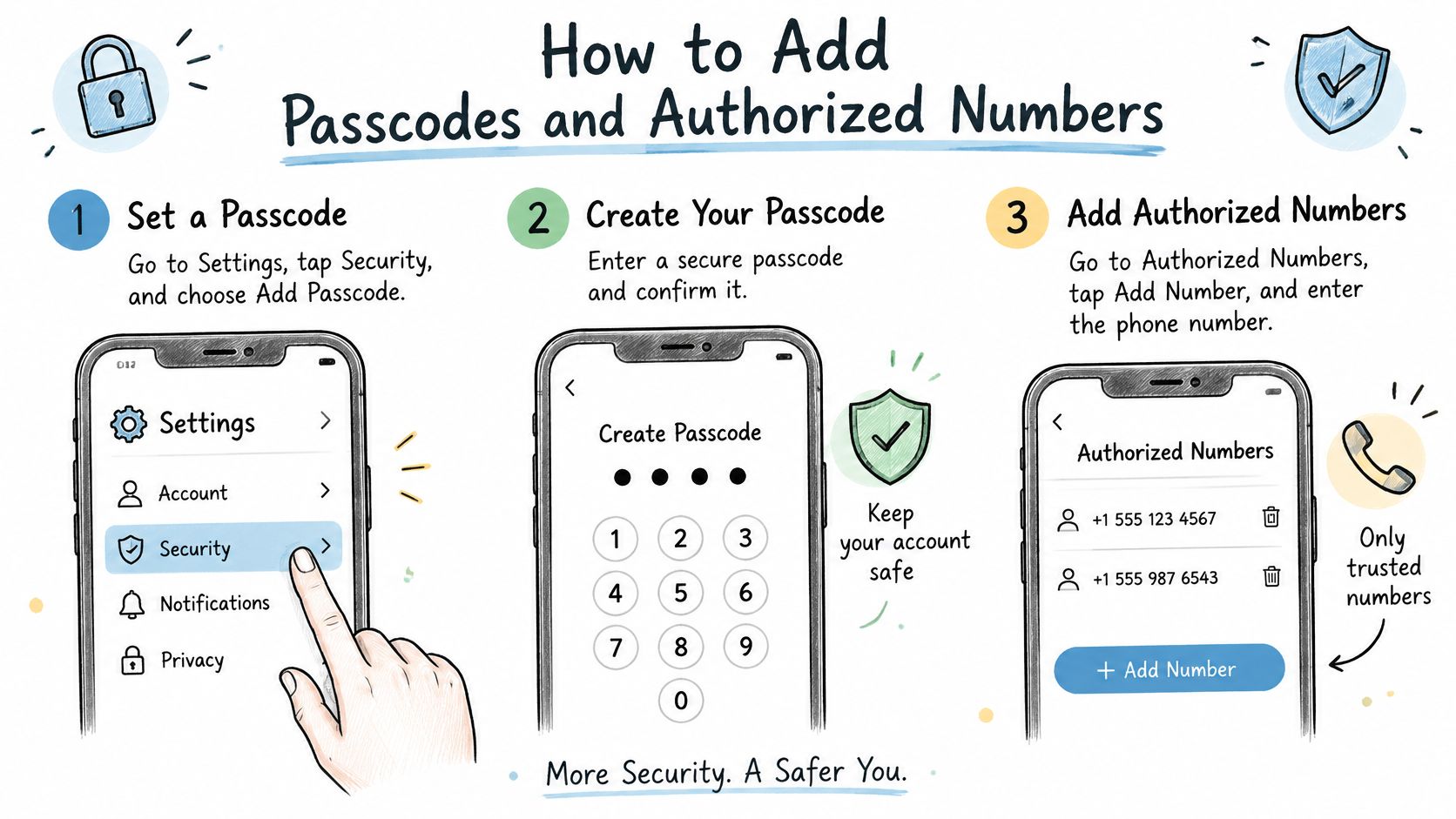
- Enter the documented programming route. Call or message the device using the exact syntax for its model. The GSM100 programming manual describes authenticated programming and capacity for up to 100 authorized telephone numbers.
- Authenticate and check the response. The same GSM100 manual specifies one long tone for an accepted passcode and three short tones for rejection. Stop after rejection and verify the credential rather than sending user-management commands into an unconfirmed session.
- Replace the default passcode immediately. Use the manufacturer's password-change command, store the replacement securely and verify that it works. Don't assume that a message being sent means the controller accepted the change.
- Add an administrator number and test authorization. Confirm the number format, including any country-code requirements, against the manual. Where the device supports separate administrator and opening permissions, grant only the necessary role.
- Add the remaining users in batches. Record each entry as it is stored, including its assigned user or memory position where applicable. Confirm acceptance before continuing.
- Set the relay behavior after checking the operator. Determine the operator's required input behavior before changing output mode or pulse duration. A valid authorization entry can't compensate for an incompatible relay setting.
In this context, pairing means authorizing a telephone number and connecting the controller's relay interface to the operator. It doesn't imply a universal wireless pairing process between the phone and gate motor.
Make the user list an operating record
A copied command is a poor shortcut. Differences in separators, command order or authentication can cause another model's message to fail or perform a different operation.
Hypothetical example: A property manager adds twelve residents in three batches and tests the administrator number after each batch. Checking each new entry against the resident list exposes a mistyped number before handover; the administrator test alone wouldn't prove that every resident's entry was correct.
An administrator's successful opening call proves that administrator's access path. It doesn't validate the rest of the caller list.
For a commercial property, caller administration should also fit the broader access policy. Networking2000's discussion of systems that protect business premises provides context for considering gate permissions alongside other entry controls, rather than maintaining them as an isolated list.
Keep credentials separate from routine records
The handover record should identify authorized callers, their permissions, the SIM identity, observed signal condition and tested safety behavior. Include the final relay mode and pulse setting so another technician doesn't have to infer them from gate movement.
Store the new password in a controlled credential store, separate from a resident-facing contact sheet. Record who can approve additions and deletions, and confirm that removed users no longer have access.
Relay Commands and Pulse Duration Settings
A momentary pulse briefly closes the relay contact, like pressing and releasing a button. A latched state maintains that contact until a release command arrives. Neither mode guarantees a particular gate position on its own, because the operator interprets the input.
That distinction carries a security consequence. A latched relay left on by a failed or delayed release command holds the input closed, and on some operators that leaves the gate standing open with no caller on record and no second command ever sent. Momentary output limits each authorized call to a single timed action, which is why I treat latch mode as the exception rather than the default.
The operator's documented input requirements decide the setting. A maintained contact isn't automatically a safe hold-open method, and a longer pulse isn't automatically more reliable.
Relay commands from two documented GSM opener manuals
| Function | Command | Effect |
|---|---|---|
| i-Gate Prime relay 1 momentary | 1234#1# |
Momentary pulse on relay 1 |
| i-Gate Prime relay 1 latch on | 1234#2# |
Relay 1 held on until an off command |
| i-Gate Prime relay 1 off | 1234#3# |
Relay 1 switched off |
| i-Gate Prime relay 2 momentary, latch on, off | 1234#4# to 1234#6# |
Corresponding functions for relay 2 |
| Aristel relay 1 trigger, hold, release | *71*5678# / *72*5678# / *73*5678# |
Separate trigger, hold and release commands |
| Aristel relay 2 functions | *74*5678# to *76*5678# |
Corresponding functions for relay 2 |
Select the mode from the operator documentation
Substitute the programmed passcode for example credentials in commands that require one. Table entries are separate commands, not a sequence to send together, and the exact manual determines whether additional authentication or message framing is required.
Pulse duration is not portable between controllers. The length of a momentary closure, and whether the unit even lets you adjust it, comes from the specific model's own manual rather than from another GSM opener's command sheet. Where the manual offers a configurable range, set the shortest pulse the operator registers reliably and confirm it across several test calls.
Identify the operator's input type, choose the matching output mode and run a controlled test with the travel area clear. Confirm completion and stopping behavior before enabling routine use. Don't assume that another model includes a second relay or configurable pulse timing.
Diagnosing Common Errors and Failed Openings
A familiar complaint is that the installer's phone opens the gate but a resident's phone doesn't. Begin with the resident's stored number and delivered caller identity, rather than erasing the configuration or lengthening the relay pulse.
An authorized call and an unauthorized call test different things: permission to operate and refusal of access. Neither substitutes for a reception check.
Symptoms, likely causes and first checks
| Symptom | Likely cause to investigate | First check |
|---|---|---|
| No response to a call or SMS | SIM inactive, PIN-locked or unregistered | Validate SIM service in a phone and check documented registration status |
| Installer opens the gate but a visitor cannot | Caller missing from the list or stored incorrectly | Compare the entry with the caller's number and test allowed and unlisted callers |
| Weak or intermittent signal | Cabinet shielding or antenna connection problem | Use the model's signal diagnostic and inspect antenna installation |
| Gate opens, then closes unexpectedly | Output mode incompatible with the operator input | Match the relay mode to the operator manual |
| Unit powers up but never registers | Supply fault among other possible causes | Measure voltage and verify polarity against the controller requirements |
| Unit answers but gate doesn't move | Wrong input, wiring fault or absent relay operation | Establish whether the relay operates before inspecting the documented trigger connection |
| Passcode rejected | Incorrect credential or assumed default | Verify the securely stored password and model-specific rejection response |
For the GSM100, the DoorEntryDirect manual documents *20# as a reception diagnostic returning signal strength on a scale from 1, poor, to 4, strong. Use that result with the manual's antenna guidance; don't invent an acceptance threshold.
Check service before reprogramming
A metal cabinet can impair reception even when a nearby phone appears usable. Delayed SMS delivery, roaming restrictions and weak carrier coverage can also interrupt operation, so check the SIM plan and carrier documentation before changing stored users.
These are investigation paths, not fault-code definitions. Guidance to diagnose access system indicator lights must still be applied only to the equipment it describes.
Stop-work condition: A safety-device or obstruction-sensing fault requires a qualified gate technician, not a programming workaround.
Record any unfamiliar indicator or error code exactly. If the manual doesn't define it, contact the manufacturer or a qualified technician rather than guessing its meaning.
Lock Down the Setup and Confirm It Works
A programming manual is also a security document. Who can change the caller list, and who can recover the controller if the administrator's phone disappears? Those answers belong alongside the opening commands, not in one person's memory.
NIST's IoT cybersecurity guidance identifies device identification, authorized configuration, logical access control and interface protection as core capabilities. For a gate controller, that means treating programming access as authority over a physical entrance.
Define administration and recovery
- Assign an accountable administrator. Use an identifiable administrator account or number rather than an undocumented shared identity.
- Limit programming rights. Opening permission shouldn't automatically confer authority to change users or reset the device.
- Log changes. Record who approved each addition, deletion and credential change, along with confirmation that the operation succeeded.
- Control reset access. Document the manufacturer's factory-reset procedure, the physical access it requires and the re-enrollment steps that follow.
- Plan for a lost phone. Follow the manufacturer's recovery procedure, revoke the affected access and repeat acceptance testing.
Caller-ID authorization is convenient, but treat it as convenience rather than strong identity assurance until you understand the controller's limitations. Where the unit lacks useful change records, the property needs a controlled administrative log.
The NIST technical requirement catalog addresses maintaining access controls after connectivity outages. Reconnection should restore intended service without accepting previously unauthorized callers.
Complete the acceptance test
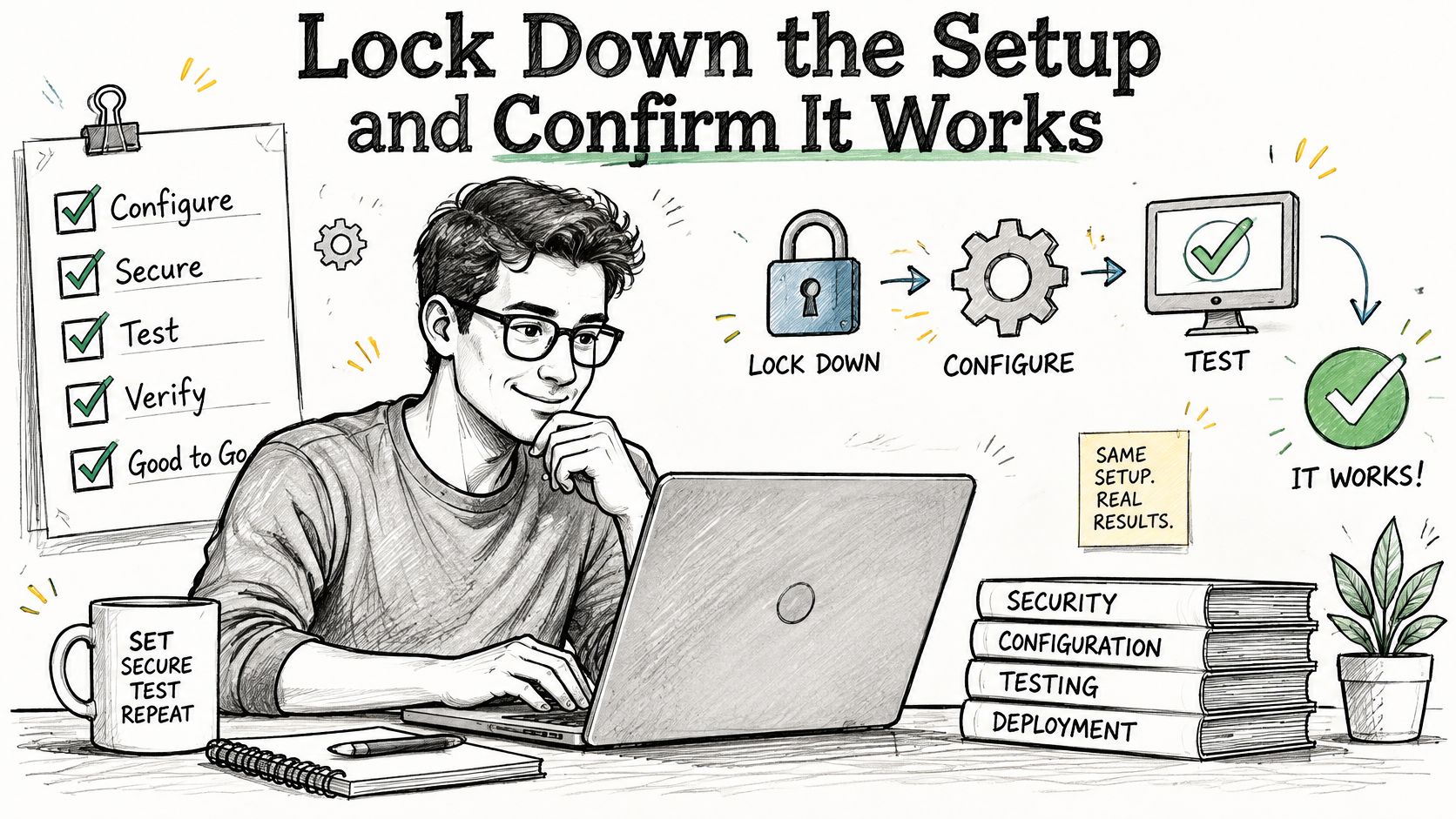
Test an authorized caller, an unauthorized caller and each configured relay mode under controlled conditions. Verify a complete gate cycle, the operator's prescribed safety-device tests and repeatable operation from the installed position. Include existing local controls and any supported messaging or app commands in the pass/fail record, so the next administrator can see exactly what was confirmed.
For an app-based retrofit example, Nimbio connects over a cellular network without Wi-Fi at the gate, wires in parallel to the existing dry-contact input so clickers and keypads keep working, and lets administrators grant, revoke and schedule digital keys from the Community Manager portal. Its guidance on security for smartphone gate access provides additional administrative context.
Dedicated wiring diagrams in the Help & Support Center cover virtually any operator, including LiftMaster, Linear, Ghost Controls, Viking Access Systems, Eagle, Nice Apollo, All-O-Matic, DoorKing (DKS), Mighty Mule, USAutomatic, FAAC Technologies, HySecurity, BFT, Ramset and Topens. Independent professional gate technicians or local low-voltage installers complete physical installation.
For uncertain compatibility, the support team can confirm wiring before installation at 1-800-353-3422, and property managers can also request installation guidance. Check the controller model against its manual, complete the acceptance test, and file the configuration and recovery record where the next administrator can find it.
Nimbio offers a cellular controller and smartphone app that add access control to an existing electric gate without replacing it. For a property considering remote digital-key administration instead of a manually maintained caller list, visit Nimbio to discuss the existing operator and installation requirements.